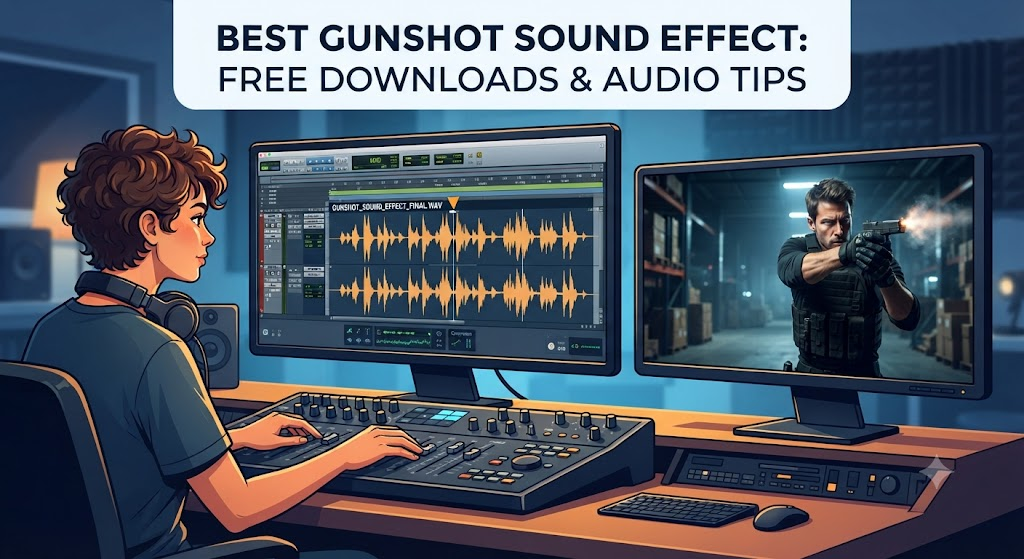

When you are making a fun home video or a cool action game, little details make a huge difference. Have you ever watched a movie where a toy pop gun sounds like a real thunderclap? It just does not feel right. That is why finding the exact Gunshot Sound Effect is so important for creators today.
Think about your favorite action movie scenes. The loud boom or the sharp crack of a rifle makes your heart race. Good audio pulls you right into the story. When a hero fires a prop weapon on screen, the sound makes the moment feel real. Creators spend hours testing different audio files to match the visual action. You want something that hits hard without hurting your ears.
If you are editing a video project right now, you might feel stuck trying to match the audio to the video. Do not worry at all! We will explore how to find the best free audio clips, how to use them safely, and why sound design can make or break your creative project. Let us dive in together and make your next project sound amazing.
Why Audio Quality Matters in Videos
Good sound is just as important as crisp video quality. If your viewers hear static or muffled pops, they might click away fast. A clean gunshot sound effect gives your project a professional polish right away.
Think of sound as the invisible glue holding your video together. When you add a sharp bang to a scene, your audience stops scrolling and starts paying attention. Cheap audio often sounds flat and tinny. High-quality audio files have depth, bass, and a clean tail end that fades out smoothly. Taking time to pick the right file shows people that you care about your work.
Where to Find Free Audio Clips Online
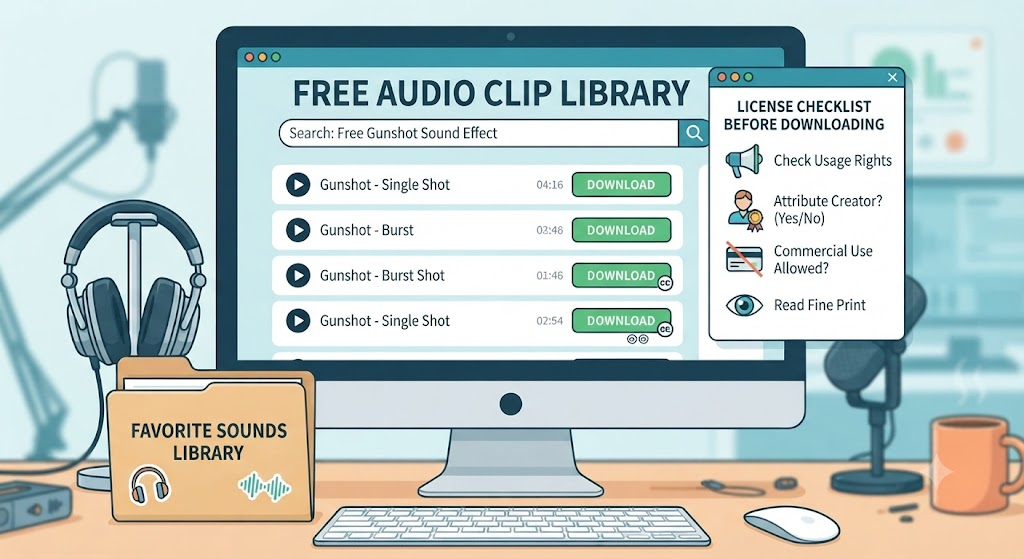
You do not need to spend a lot of money to get great audio files. Many websites offer a free gunshot sound effect for your creative needs. Some popular platforms let you download clips instantly with zero hassle.
Before you download anything, always check the licensing rules. Some sites let you use sounds for free if you give credit to the creator. Other libraries require a paid subscription for commercial use. Always read the fine print so you stay out of trouble. Building a small folder of your favorite go-to audio clips will save you tons of time later.
Understanding Different Types of Firearms Audio
Not all firearm noises sound the same. A tiny pistol makes a sharp pop, while a massive hunting rifle makes a deep boom. Picking the right gunshot sound effect depends entirely on the weapon you show on screen.
For instance, a revolver sounds different from a modern tactical rifle. Sound designers often layer multiple audio tracks together to create a richer impact. They might mix a sharp metallic click with a heavy bass drop. Knowing these small differences helps you match the audio to the exact weapon in your scene.
How Sound Echoes in Different Spaces
Sound acts differently depending on where you are filming. A loud bang inside a small wooden cabin sounds sharp and tight. That same gunshot sound effect fired out in an open canyon creates a long, bouncing echo.
When editing your video, think about your setting. If your characters are standing inside a cave, you need to add a bit of reverb to the audio. If they are out in a flat grassy field, the sound should feel dry and direct. Paying attention to these realistic details makes your final video look and sound much more believable.
Tips for Mixing Audio in Your Editing Software
Editing audio can feel a bit tricky when you are just starting out. You want your gunshot sound effect to sound loud and punchy, but you do not want it to blow out your speakers.
Most video editors have a simple volume meter. Keep your audio peaks in the yellow zone rather than the red zone. If the meter hits the red, the sound will distort and crackle. You can also use a simple equalizer tool to boost the low bass or cut out annoying high frequencies. A little bit of fine-tuning goes a long way.
Keeping Your Projects Safe and Legal
Copyright rules can be very confusing for new creators. Using a random audio file from the internet without checking permission can get your video taken down fast. Always look for a safe gunshot sound effect labeled for public or creative use.
Many public domain archives offer free audio with zero copyright restrictions. These sites are absolute goldmines for indie filmmakers and hobbyists. Taking two extra minutes to verify a license protects your hard work and keeps your channel safe from sudden copyright strikes.
Adding Impact with Visual and Audio Timing
Timing is everything when you edit action scenes. If the sound happens a split second too early or too late, the illusion falls apart instantly. Your gunshot sound effect needs to match the exact frame where the trigger pulls.
Professional editors scrub through their timeline frame by frame to line up the audio spike with the visual flash. This tiny adjustment makes the action feel tight and punchy. Practice makes perfect when it comes to lining up sights and sounds together smoothly.
Creative Ways to Use Gunshots in Sound Design
You do not always have to use firearm sounds for actual weapons. Clever creators use a modified gunshot sound effect for sci-fi laser blasts, heavy door slams, or dramatic thunder crashes.
By tweaking the pitch and adding heavy digital reverb, you can transform a simple bang into an alien portal opening. Sound design is all about experimenting and having fun with different audio layers. Do not be afraid to play around with your editing tools to see what unique sounds you can create.
Organizing Your Personal Audio Library
As you work on more projects, your collection of audio files will grow quickly. Trying to find one specific gunshot sound effect inside a messy folder of thousands of files is a huge headache.
Take some time to set up clean folders on your computer. Label your files clearly with names like indoor_pistol_boom.wav or outdoor_rifle_crack.mp3. Good organization saves you precious time when you are rushing to finish a video project late at night.
Summary of Key Audio Best Practices
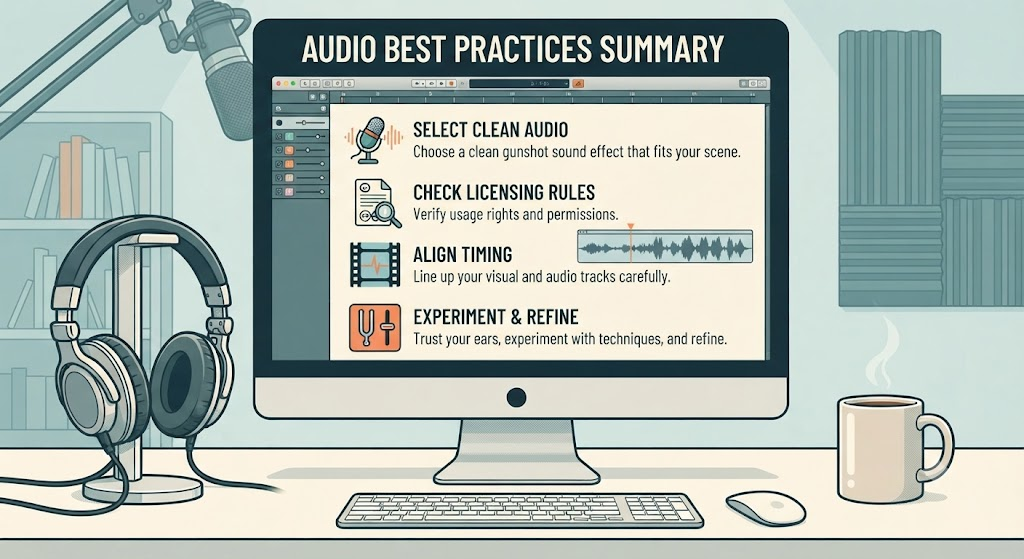
Bringing together great visuals and crisp audio takes practice and patience. Always choose a clean gunshot sound effect that fits your scene, check your licensing rules, and line up your timing with care.
By following these simple steps, your videos will look and sound like they were made by a total pro. Keep experimenting with new techniques, trust your ears, and most importantly, have fun creating awesome content for your audience.
Detailed Comparison Table
| Feature / Aspect | Amateur Audio Approach | Professional Audio Approach | Why It Matters for Creators |
| Source Selection | Downloading random, low-quality clips from unverified web links. | Sourcing clean, high-bitrate files from trusted public domain libraries. | Prevents annoying audio static, crackling, and sudden copyright takedowns. |
| Volume Control | Letting audio spike into the red distortion zone on the editor meter. | Keeping audio peaks balanced safely in the clear yellow zone. | Protects your viewers’ ears and maintains a smooth, polished listening experience. |
| Environmental Match | Using a dry indoor sound for an open outdoor canyon scene. | Adding proper reverb, echo, or dampening to match the setting. | Makes the visual environment and the audio feel totally real and connected. |
| Timing & Sync | Dropping audio roughly near the action without checking frames. | Scrubbing the timeline to match the audio spike with the exact visual flash. | Keeps the action tight, punchy, and convincing for your audience. |
| File Organization | Stumping through thousands of random files named “track_final_new(1)”. | Using clean, labeled folders like indoor_pistol_boom.wav. | Saves valuable editing time and keeps your workflow fast and stress-free. |
Frequently Asked Questions
What is the best way to find a free gunshot sound effect?
You can search trusted public domain audio archives, free stock sound libraries, and creator forums. Always double-check the license terms before downloading to ensure you can use the file safely in your personal or commercial video project.
How do I stop my audio files from sounding distorted?
Distortion usually happens when your track volume is too high and hits the red zone in your editing software. Lower the audio gain slider gently until your sound peaks stay clear and balanced in the yellow zone.
Can I use firearm audio clips for sci-fi video effects?
Yes, absolutely! Many sound designers take a standard audio file and add heavy digital reverb, pitch shifts, or echo filters to turn a normal bang into an awesome futuristic laser blast or explosion.
How do I make my audio match an outdoor mountain scene?
Outdoor spaces usually require a longer echo or natural bounce depending on nearby cliffs or trees. You can add a subtle outdoor reverb effect in your editing program to make the audio blend naturally with your background video.
Are all online sound effects safe to use without credit?
No, not all of them are safe. Some free libraries require you to write a small credit line in your video description, while other clips require a paid license for commercial video monetization. Always read the download rules first.
Why is audio timing so important for action edits?
If your audio plays even a fraction of a second too early or too late, the scene looks fake. Matching the audio spike to the exact video frame where the action happens makes the moment feel completely real and immersive.
Conclusion
Creating great videos is an exciting journey full of fun discoveries. By picking the right audio files, balancing your volume levels, and matching your sounds to the environment, you instantly elevate your creative work. Thank you for reading this guide! What kind of video project are you working on today? Leave a comment below or share your favorite editing tip with us.